
Measure an area on a PDF plan
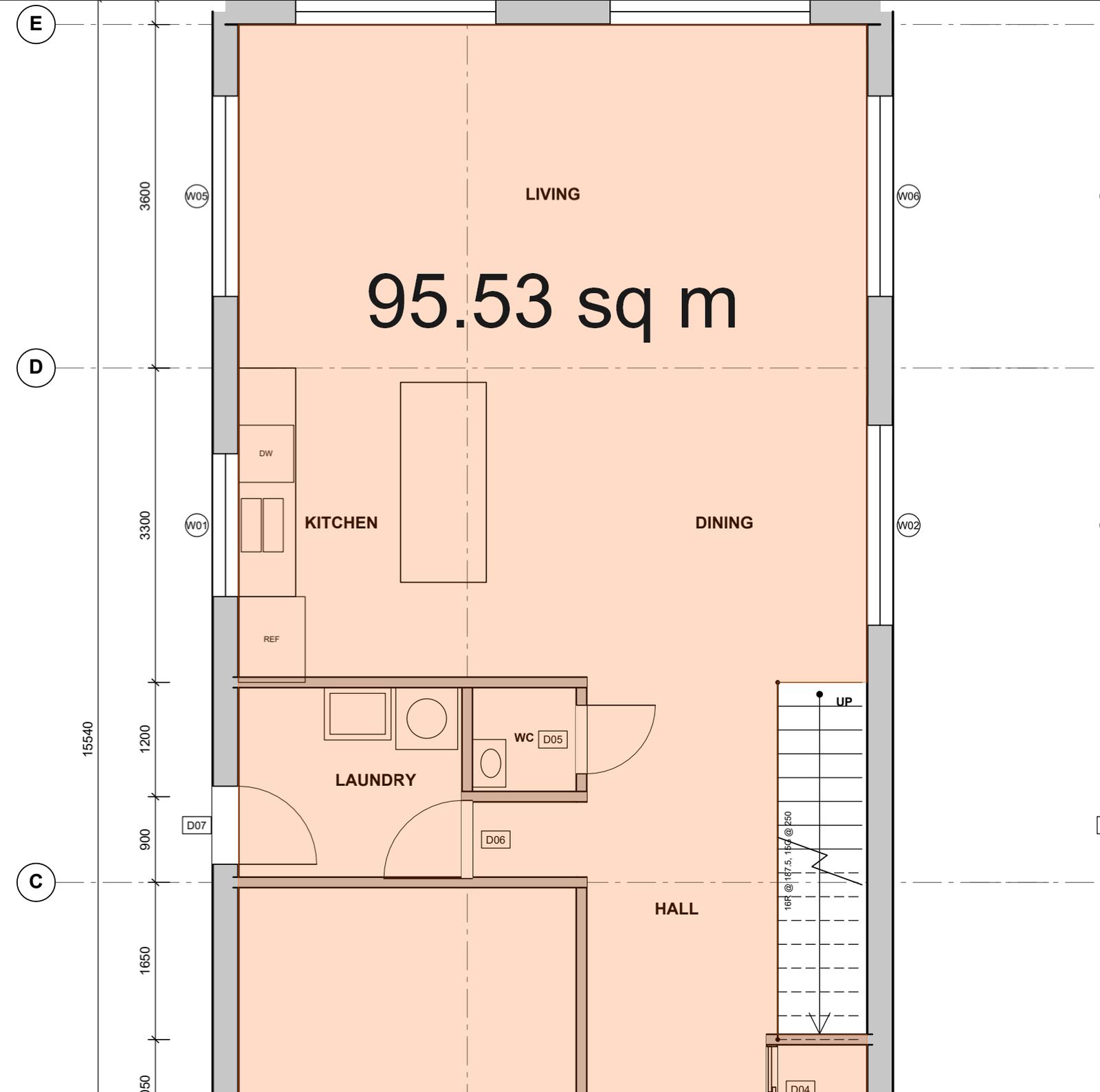
Measure an area
Floors, ceilings, roofs: click the corners and close the shape.
How to
- Choose Tools > Measure > Area (Shift+Alt+A), or an area tool in the Tool Shed.
- Click each corner. Click the first point again (or press Enter, or double-click) to close it.
- To take out a stair void or a courtyard, right-click the area and choose Add cut-out, then click the corners of the part to remove.
Good to know
- A cut-out inside the area becomes a hole: the area and its total go down, and its edge is added to the perimeter.
- A cut-out drawn across the area's edge trims that part off instead.
- Ctrl+Z while drawing takes back the last point.
- Perimeter (Shift+Alt+P) measures the outline of an area.
Keys
| What | Keys |
|---|---|
| Area | Shift+Alt+A |
| Perimeter | Shift+Alt+P |
| Take back the last point | Ctrl+Z |
| Cancel | Esc |