
Export quantities, summaries and quotes
Export quantities and quotes
Your quantities in Excel, or a quote ready to send.
How to
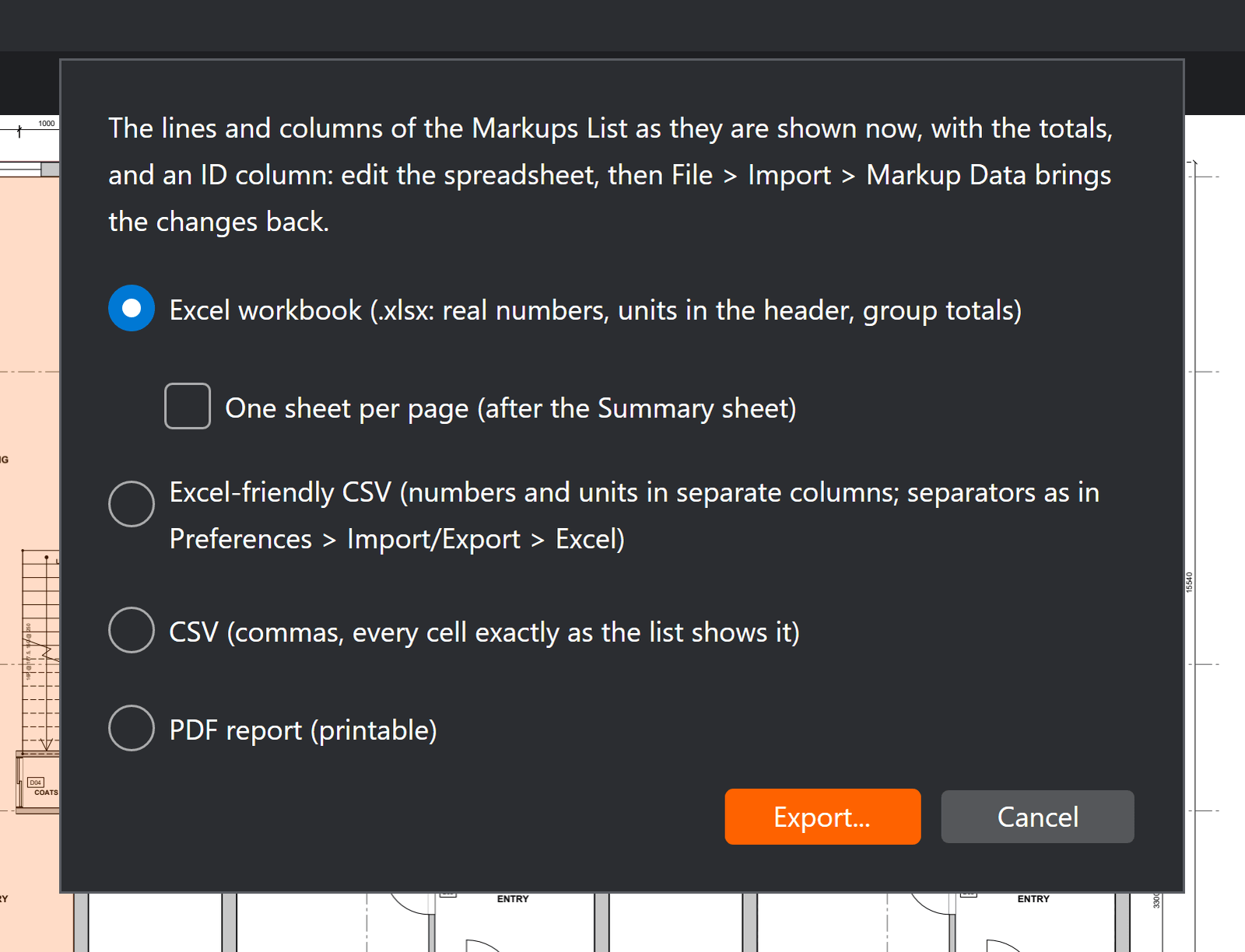
- Markups List > Export summary: choose Excel workbook, Excel-friendly CSV, CSV or PDF.
- For a whole set of drawings: Batch > Summary..., with the same choices.
- With prices in your Tool Shed or a price list: Tools > Estimate > Export estimate (Excel)... or Export quote (PDF)....
Good to know
- Changed subjects, labels or comments in the exported sheet? File > Import > Markup data brings the edits back.
- Numbers in the CSV add up in Excel, and text that starts with = or + is kept as text, never run as a formula.
- Tools > Estimate > Quote settings... sets your business details, mark-up, tax and the wording of the quote.