Takeoff tool sets for your trade
Tool sets
Each tool remembers its colour, subject and price, so every takeoff looks the same.
How to
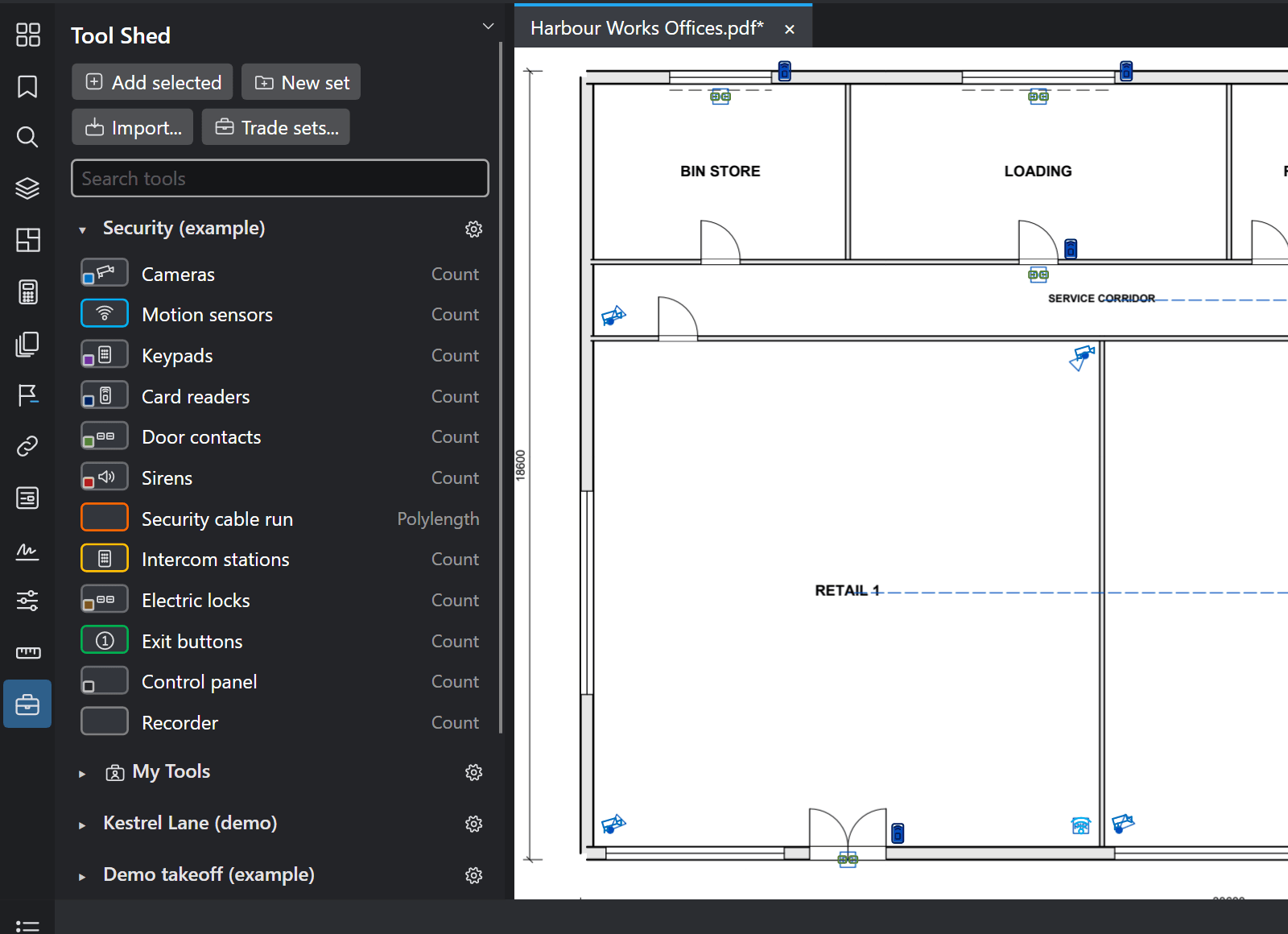
- Open the Tool Shed (Window > Panels > Tool Shed, Alt+X).
- Add a starter set from the Tool Shed's menu: Add trade set, then your trade. Starter sets are labelled as examples: change them to suit you.
- Click a tool to use it. To keep a markup you made as a tool, right-click it and add it to the Tool Shed.
- Manage tool sets... chooses which sets show (tick them), their order (drag) and their names (double-click).
Good to know
- Imports your Revu tool sets (.btx), with each tool's look, subject, label and measurement settings where TrueScale™ supports them. Use Tool Shed > Import.
- A deleted set is kept in Backups\Deleted tool sets in your TrueScale folder: Manage tool sets > Import brings it back.
- Each set's gear menu shows it as symbols or details, adds a legend, exports it, pins it or hides it.
Keys
| What | Keys |
|---|---|
| Tool Shed | Alt+X |