
Copy part of a PDF drawing as a picture
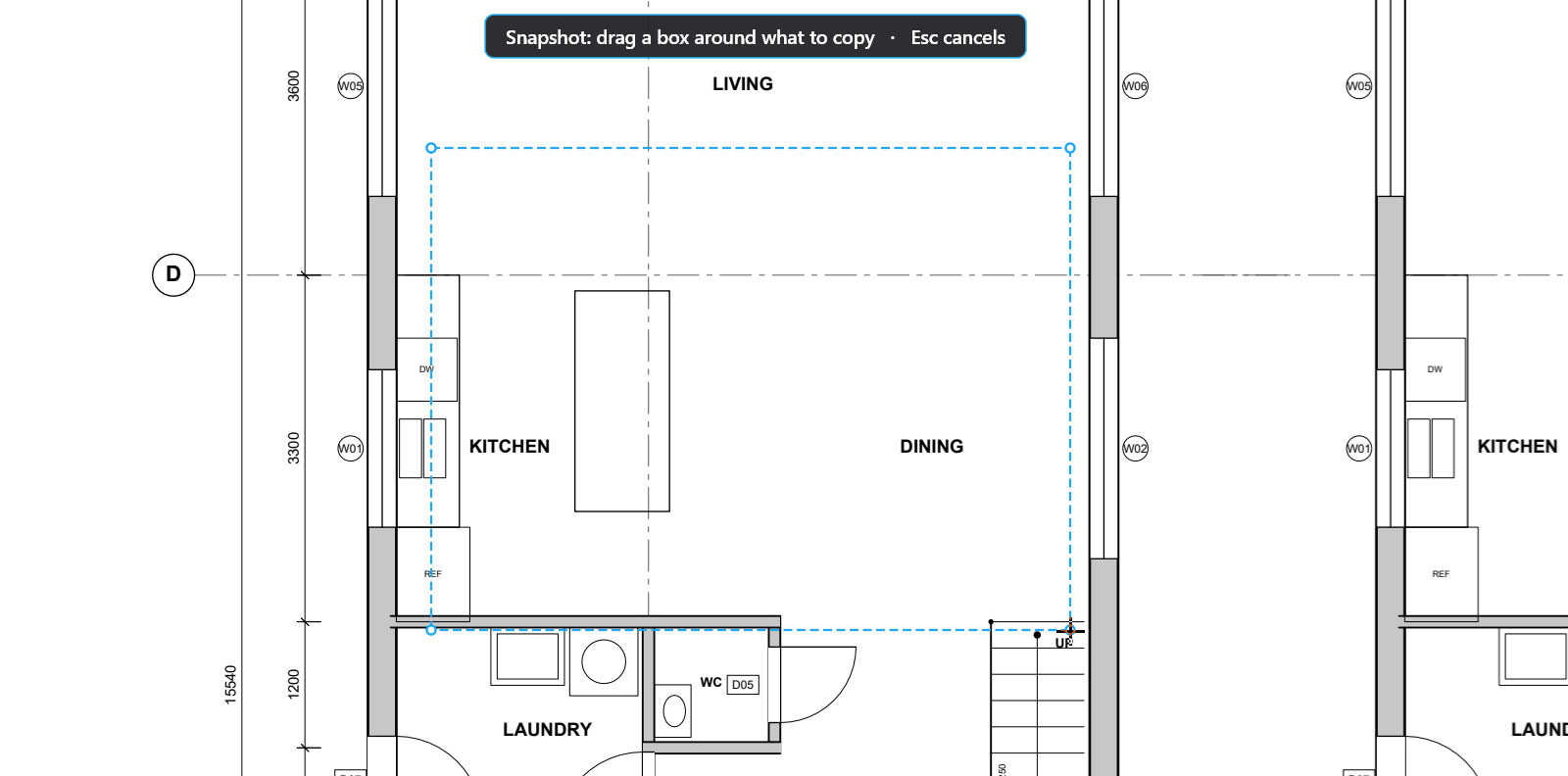
Take a snapshot
Copy part of a drawing, with its markups, to paste in another app or on another page.
How to
- Choose Edit > Snapshot (G).
- Drag a box around the part you want. TrueScale™ says "Copied to clipboard".
- Paste it in Word, Paint or an email as a sharp picture. In TrueScale, Ctrl+V pastes it as a markup on any page or drawing.
Good to know
- Copy page to snapshot (Ctrl+Alt+C) takes the whole page.
- Edit > PDF content > Snapshot content (Shift+G) copies the page without its markups.
- On a Mac the picture pastes into Pages, Preview or Mail, and ⌘V pastes the snapshot in TrueScale.
Keys
| What | Keys |
|---|---|
| Snapshot | G |
| Copy page to snapshot | Ctrl+Alt+C |
| Snapshot content | Shift+G |
| Paste | Ctrl+V |