
Measure pipe and cable runs on a PDF plan
Measure a polylength
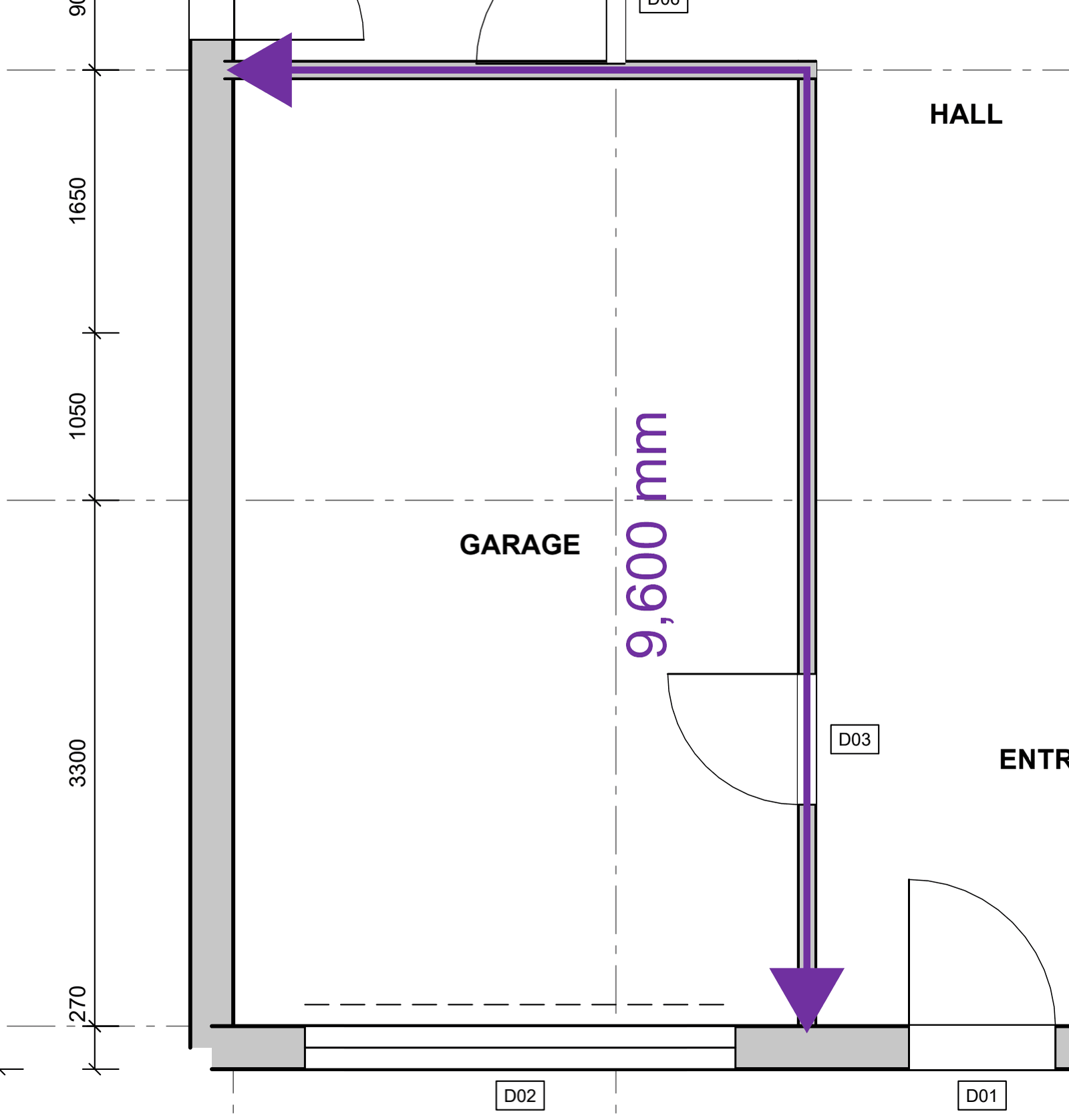
Walls, pipes, cables: one measurement that follows every corner.
How to
- Choose Tools > Measure > Polylength (Shift+Alt+Q), or a polylength tool in the Tool Shed.
- Click the start and each corner along the run.
- Double-click the last point to finish. The total length shows on the drawing and in the Markups List.
Good to know
- Ctrl+Z while drawing takes back the last corner; Esc gives up.
- Type a Wall height in Properties (or on the Tool Shed tool) and the Markups List shows the wall area.
- A side can be curved afterwards: right-click it and choose Convert to arc.
Keys
| What | Keys |
|---|---|
| Polylength | Shift+Alt+Q |
| Finish | double-click |
| Take back the last corner | Ctrl+Z |
| Cancel | Esc |